Please follow the below steps to add your PERCEPT Gateway to PERCEPT Cloud.
• You’ll need a computer or mobile device that can access PERCEPT Cloud.
• You’ll need to ensure the PERCEPT Gateway has an active internet connection to communicate with PERCEPT Cloud services, either through wired internet (preferred) or included LTE modem (subject to network availability and strength).
• Ensure that any firewall is configured to allow the PERCEPT Gateway to reach PERCEPT Cloud. Refer to Annex 1 for requirements.
Log into PERCEPT Cloud. If you do not have a PERCEPT Cloud account, create one at perceptcloud.io before proceeding with the steps.
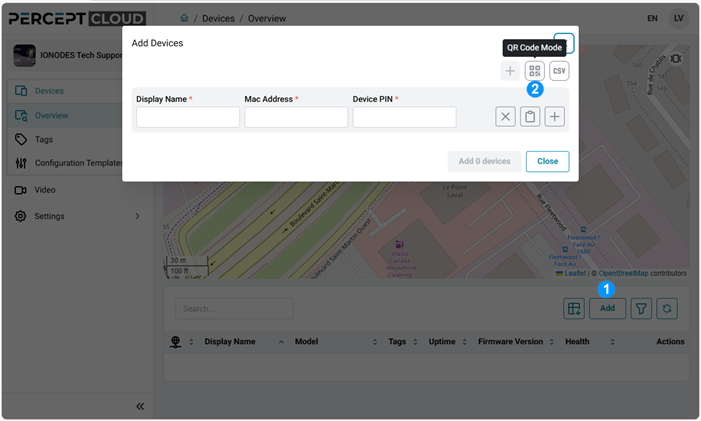
1. In your Organization’s Devices Overview, click Add.
2. In the Add Devices dialog, click on the QR Code Mode If prompted by your web browser, grant it access to your device’s camera.
3. Scan the QR code found on the label affixed to the bottom and on the box of the PERCEPT Gateway.
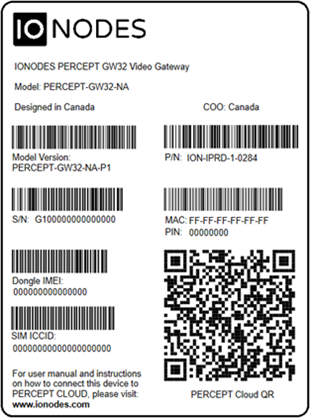
4. Repeat steps 2 and 3 if you have more than one PERCEPT Gateway to add in PERCEPT Cloud. Click on Add device once you have entered all your devices.
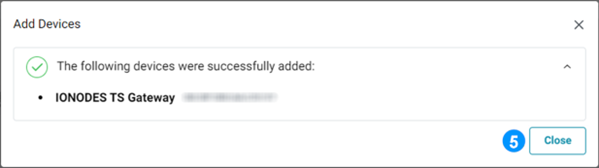
5. A confirmation dialog will indicate that the PERCEPT Gateway have been successfully added. You may Close this dialog.
6. Note that the PERCEPT Gateway may take a few minutes to complete their initial connection to PERCEPT Cloud before you can interact with them.
The following URLs must be allowed by your network for the PERCEPT Gateway to be able to communicate with PERCEPT Cloud. Although most networks will allow outbound connections by default, some may require special configuration, contact your IT department if you are unsure.
| URL | Usage |
|---|---|
| msftconnecttest.com | This is a standard Microsoft URL test to detect which network interface(s) has internet access. |
| global-device-provisioning.api.east-us.perceptcloud.net | Communication between PERCEPT Gateway and PERCEPT Cloud. |
| prod-east-us-iot-hub.azure-devices.net | Communication between PERCEPT Gateway and PERCEPT Cloud. |
| prod-east-us-iot-hub-dps.azure-devices-provisioning.net | Communication between PERCEPT Gateway and PERCEPT Cloud. |
| global.azure-devices-provisioning.net | Communication between PERCEPT Gateway and PERCEPT Cloud. |
| perceptprodeastus.blob.core.windows.net | Used to transfer firmware / sysinfo files between PERCEPT Cloud and the PERCEPT Gateway. |
| prodgleastus.blob.core.windows.net | Used to transfer firmware / sysinfo files between PERCEPT Cloud and the PERCEPT Gateway. |
| live-iad-1.millicast.com | Video streaming endpoints. |
| global.stun.twilio.com | Video streaming endpoints. |
| global.turn.twilio.com | Video streaming endpoints. |
| turn-iad-1.dolby.io | Video streaming endpoints. |
Access knowledge base articles and create support tickets through our online support portal.
Get SupportReach out to our sales team to learn more about our products and get your projects started.
Contact usSubscribe to our newsletters to receive the latest news on product enhancements, software updates, technical articles, company events and more.
General Newsletter OEM Products Newsletter

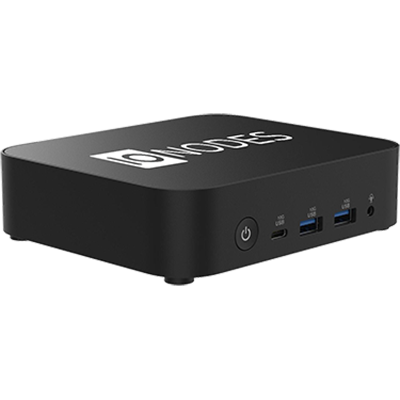 Secure Display Station
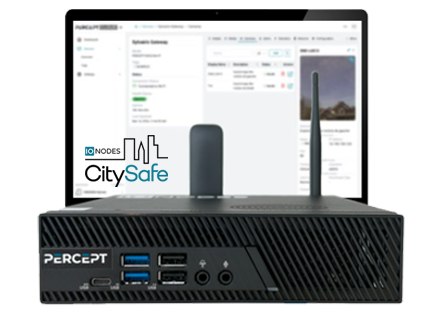 IONODES CitySafe
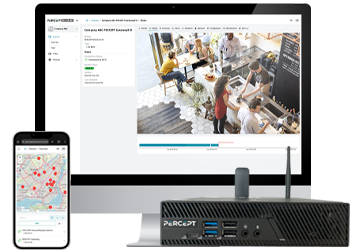 PERCEPT Gateway Solution
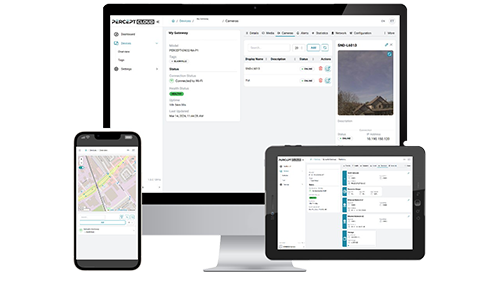 PERCEPT Cloud
 Video Servers and Workstations
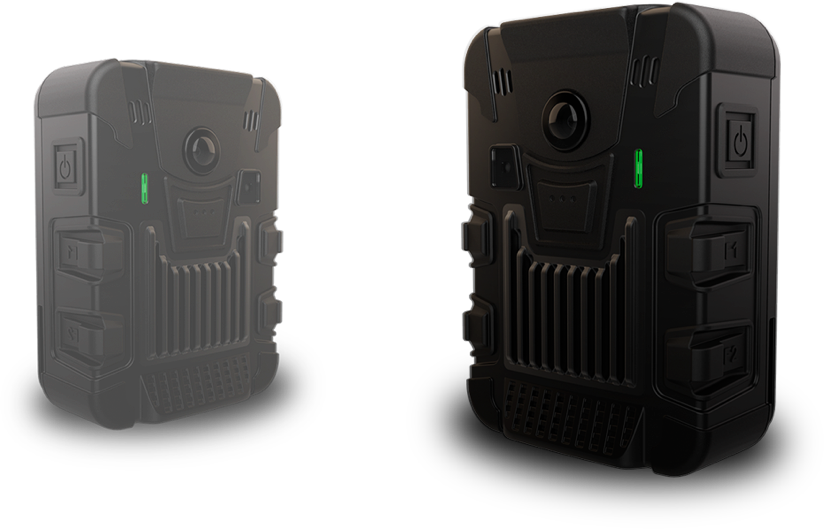 PERCEPT Body Camera